Privacy-first Instagram cleanup
Track who unfollowed you over time
No password. No login. Select the export Instagram gives you, and the files are analyzed here in your browser. Use one profile and one export at a time.
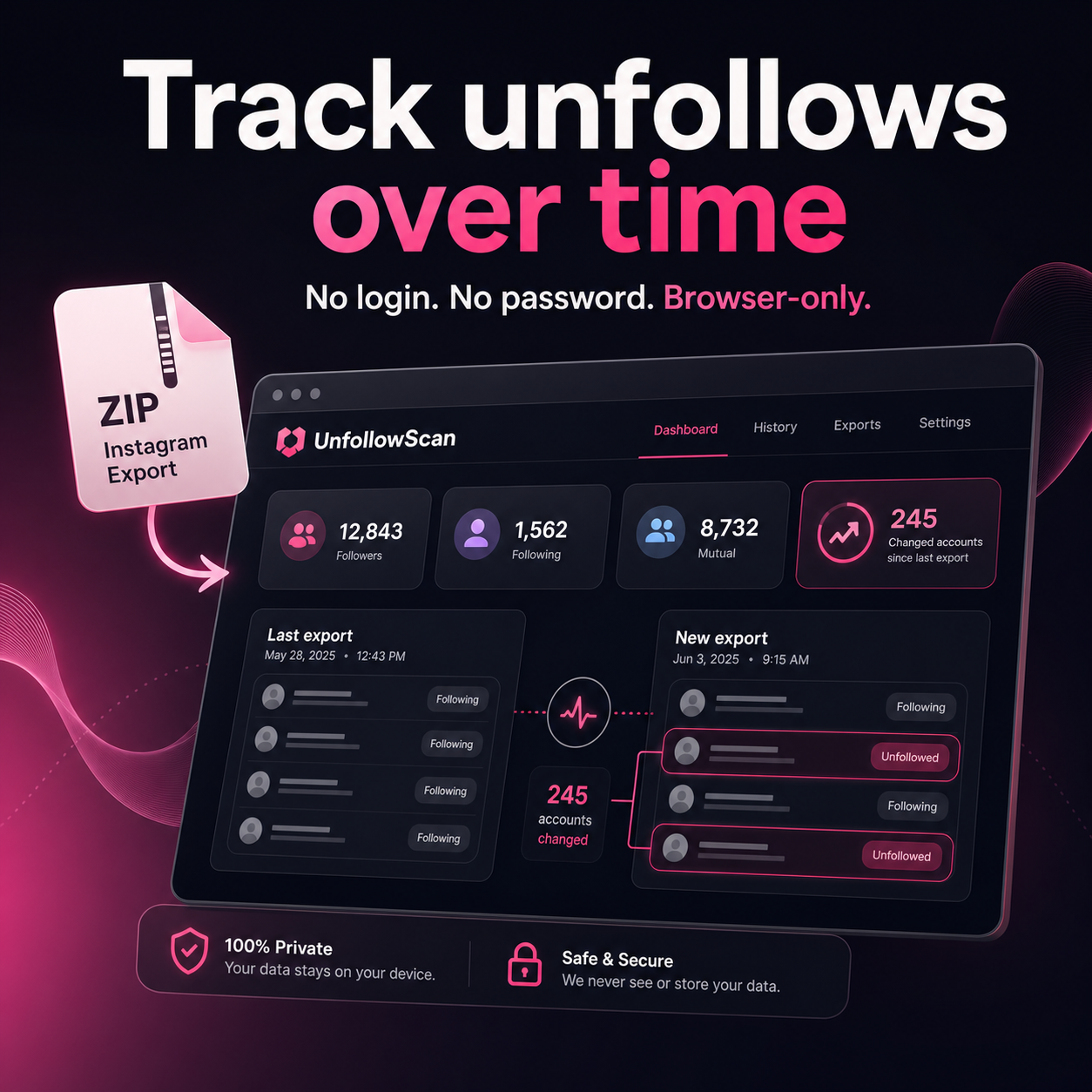
Already have your Instagram ZIP?
Choose it here to see your count. Do not unzip it first.
- Request your data in Instagram → Settings → Accounts Center → Your information and permissions → Download your information. Pick Followers and following, format JSON or HTML, range All time.
- Download the ZIP from Accounts Center when Meta notifies you it is ready. Preparation can take up to 30 days.
- Drop the ZIP below. Scan your export, save the result, and compare it with future exports to spot changes over time.
See the count first, then unlock the usernames
After you drop your Instagram ZIP, UnfollowScan shows the total accounts to review before checkout.
Drop your ZIP to see your countNot sure how to get your data? Follow the full step-by-step guide →
accounts to review from this export
Unlock usernames
Your scan is complete. Unlock the username list and export everything to CSV for $5.
Base price: $5 USD. Applicable taxes are added at checkout. Review the final amount and currency before paying.
🔒 Secure checkout powered by Stripe.
One-time payment. No subscription. Your Instagram file stays in this browser.
Why this is safe
No login, ever
We do not ask for your Instagram password, log into your account, or automate actions on Instagram.
Runs in your browser
Your export is processed locally without a file upload. Results and a baseline you choose to save may remain in this browser.
Your own data
It works on the official export Instagram gives every user — the same “Download your information” feature built for privacy.
New here? Start with how to download your Instagram data or how to check a tool’s access and data handling.
Frequently asked questions
How do I track who unfollowed me on Instagram?
Instagram has no built-in “who unfollowed me” feature. The safe way is to download your own data from Instagram (Settings → Accounts Center → Download your information → Followers and following), scan it privately, then compare future exports over time.
Does UnfollowScan access my Instagram account?
UnfollowScan does not ask for your Instagram password, log into your account, or scrape Instagram. It compares the export files you select in your browser.
Does my data get uploaded or saved?
The export file is not uploaded. Results may be kept in browser session storage for checkout recovery. A baseline you choose to save remains in this browser after closing the tab, until replaced or the site’s browser data is cleared.
Do I need to enter my Instagram password?
Not in UnfollowScan. Sign in only on Meta’s own site or app to request and download your export; then select those files here.
Is UnfollowScan an UnfollowSpy alternative?
Yes. If you are looking for an UnfollowSpy alternative, UnfollowScan uses your official Instagram export instead of asking for your login. It compares followers and following in your browser, so your password and account stay untouched.
Is UnfollowScan free?
Yes. You can scan your export and see the result count for free. Unlocking the username list and CSV export costs $5 USD plus applicable taxes, once — no subscription. The final amount and currency are shown at checkout.